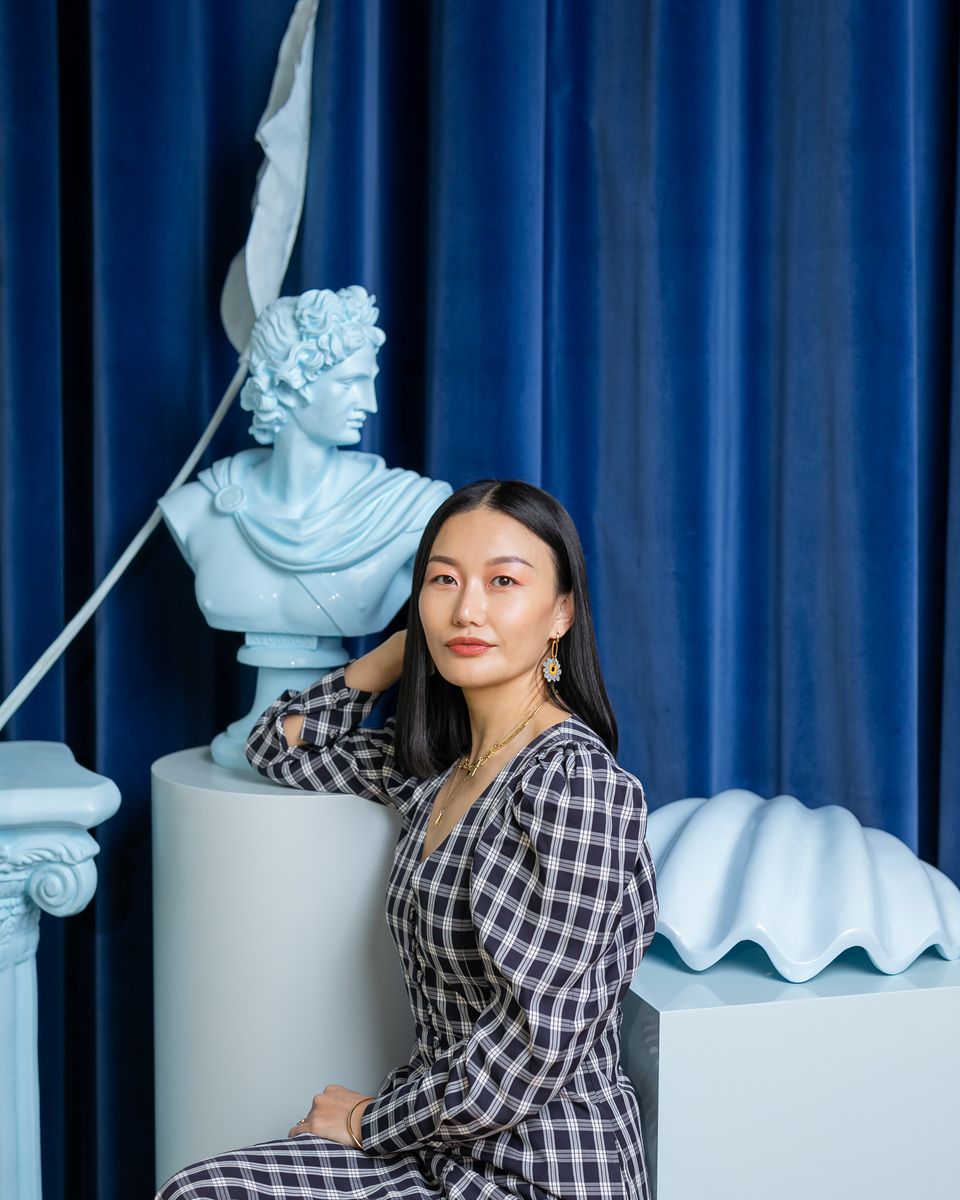


Freepik AI-Generated Image

Hi Creatives! 👋
This week has a very specific vibe: fewer flashy demos, more workflow upgrades. The kind that help you keep a look consistent, generate options that belong together, and collaborate without turning your process into a mess.
If your work lives in sets, rounds, and reviews, these updates will feel… oddly practical.
Big signal across the list: the workflow is becoming the product. Tools aren’t just adding models. They’re trying to become the room where decisions happen.
This Week’s Highlights:
Freepik Variations: one image in, a whole set of options out
Dear Upstairs Neighbors, a Case Study in AI-Assisted Animation
Claude now opens Slack, Figma, and Canva inside the chat
FLORA raises $42M to build a “unified creative environment.”
Rethink Reality: “World models” are getting weirdly practical
Google Photos: “photo to video” just got text prompts
Freepik Variations: one image in, a whole set of options out
In our last newsletter, we briefly introduced Freepik’s Variations. Here’s the practical “what you can do with it” version.
Variations is designed for the moment when a hero image gets approved and the next request is, “Great. Now we need the close up, the vertical, and a few alternates for different audiences.”
What Variations is (in plain terms)
Freepik Variations lets you take one image (uploaded or generated) and spin out multiple consistent options in a grid so you can compare, pick, and move on without constantly restarting from scratch. 🗂️
The main modes (aka: where the value is) 🎛️
Reframe


AI-Generated Image
Generate different camera angles, framing, and compositions while keeping the same scene direction.
Best for: turning one hero into wide, close-up, and vertical placements.
Storyboard


AI-Generated Image
Expand one image into a connected sequence of shots that feel like the same world.
Best for: planning beats and continuity before you move into motion.
People

AI-Generated Image
Explore human subject changes while keeping the concept consistent, including:Demographics
Expressions
Age
Custom
Prompt guided changes like mood, lighting, environment, or concept shifts.

Why creatives should care
Faster review cycles: grids make feedback easier and less chaotic
More output from one direction: less “same thing, slightly different” rework
Better prep for motion: storyboard frames can act like key moments before video
Quick watch outs ⚠️
Consistency helps, but art direction still matters. Don’t let the grid decide for you.
People variations are powerful, but use them thoughtfully for brand fit and cultural nuance.
Read full details here
Dear Upstairs Neighbors, a Case Study in AI Assisted Animation
Dear Upstairs Neighbors is previewing at the Sundance Film Festival, and it’s one of the better examples of AI showing up as a production helper, not the author.
Led by Pixar alumni Connie He and Márcia Mayer alongside veteran creatives and AI researchers, the team translated Connie’s hand painted canvases, storyboards, and 2D line animation into the final short. Their workflow included custom Veo and Imagen fine tuning on the artwork, using rough animation as visual direction, and targeted region edits to iterate without restarting whole shots.
Read full details: https://goo.gle/45uM34K
Claude now opens Slack, Figma, and Canva inside the chat

AI-Generated Image
Claude now opens Slack, Figma, and Canva inside the chatClaude can now run interactive “apps” inside the chat (via MCP Apps), so instead of only describing what to do in Slack/Figma/Canva, you can work with those tools in-panel while Claude helps.
Now, with an MCP extension called MCP Apps, Claude can open supported tools as interactive apps inside the chat so you can:
Draft and format Slack messages and preview them before sending 💬
Work with Canva decks in real time, as an actual editable interface 🖼️
Use Figma or FigJam for diagramming and planning flows 🧩
Manage project boards with tools like Asana or monday.com ✅
Pull files from Box, depending on what your org has enabled 📁
Explore charts with tools like Hex or Amplitude 📊
The key detail: it’s no longer just “Claude told me what to do.” It’s “Claude is operating alongside the interface where the work lives.”
3 ways to use it right away
Slack approvals: summarize a feedback thread → draft a clean “here’s what we’re changing” update 💬
Figma / FigJam: turn messy notes into a structured plan or flow map
Canva decks: outline → tighten story → refine slide structure in one session
Quick do’s and don’ts ✅🚫
✅ Do
Start with low risk tasks: drafting, formatting, planning, summarizing feedback
Use clear review steps: “draft only,” “do not send,” “propose changes first”
Keep a human checkpoint for anything client facing
🚫 Don’t
Connect sensitive workspaces without understanding permissions
Treat outputs as final, especially for brand voice, legal claims, or client commitments
Let tools sprawl into a new mess. Fewer surfaces is the goal 🙂
Read full details here
FLORA raises $42M to build a “unified creative environment.”
FLORA just raised a $42M Series A (led by Redpoint) to keep pushing toward a single workspace where creative teams can mix text, image, and video models in one workflow. 🧩
Key insights
Solves a real pain: AI tooling is still fragmented, and “best models” often means platform hopping
Their focus is team-first: workspaces, real-time collaboration, unlimited seats
Use cases they call out: brand marketing, product visualization, film/VFX, with faster iteration cycles
What’s in it for creatives
Less “one cool output,” more repeatable workflow: iteration, versions, reviews, handoffs in one place
Watch-outs: “unified” still depends on model access, cost, and workflow depth as teams scale
Rethink Reality: “World models” are getting weirdly practical
This episode is basically a philosophical jam session that keeps bumping into real product details. The guest (World Labs) argues that “seeing” and “doing” are tightly linked, and that the next leap in AI is less about prettier pixels and more about spatial, navigable worlds that can support creators, game devs, VFX teams, and even robotics.
World models are starting to feel like a workflow, not a demo
This podcast convo hits a point the creative community is already feeling: AI isn’t just “make me an image.” It’s moving toward build me a space I can direct.
They talk about how intelligence is basically a loop between sensing and action. And that matters because “world models” only get interesting when they stop being flat outputs and start behaving like something you can work inside.
The part creators should pay attention to
World Labs’ model, Marble, is framed like a material for building worlds, not a one off generator.
What that signals for creative work:
True 3D matters. “Behind,” “under,” “move the camera 20 feet” becomes a real instruction, not a vibe.
Control > surprise. The goal is less slot machine generation, more director style camera blocking and continuity.
Pipeline thinking is showing up. Stuff like collision meshes and layout tools are small details that scream “this is heading toward gaming, VFX, previs, and simulation workflows.”
They also mention “Chisel” (layout guided generation), which is basically: block out a rough 3D structure, then generate within constraints. That’s the kind of feature that turns AI into a teammate for set building instead of a mood board machine.
The take that’s worth holding with two hands
They’re pretty honest about the double edge: world models can empower creators, but they can also level up surveillance and misuse. The episode’s stance is basically: tech always spreads, so the real question is whether we build the social rules, norms, and ethics fast enough to keep creators from being the collateral.
What’s in it for creatives
Faster previs and shot planning with less guesswork
More consistent camera language and space continuity
A path toward interactive scenes (and eventually moving worlds)
Watch the full episode here.
Google Photos: “photo to video” just got text prompts

AI-Generated Image
If you’ve tried Google Photos’ photo to video feature before, you know the vibe: you got “Subtle movement” or “I’m feeling lucky”, and you mostly just… hoped. Now Google Photos is adding text prompts, so you can describe how you want the image to move, what style to lean into, or what effect you’re after.
Why creatives should care
Your camera roll becomes quick b-roll: slow push-ins, parallax, gentle motion for Reels/Shorts.
Better for content variations: one hero image can turn into a few motion options fast.
This is another sign that consumer apps are absorbing creator controls that used to live in niche tools.
Quick prompt ideas
“Slow handheld push in, shallow depth of field.”
“Gentle wind movement in hair and clothing.”
“Cinematic parallax, subtle pan left.”
“Dreamy slow zoom, warm light leaks.”
The tradeoffs
Pros
Faster iteration than exporting to a dedicated video tool for simple motion.
More intentional results than “I’m feeling lucky.”
Audio by default reduces finishing steps for casual posts.
Cons / watch-outs
Creative control is still bounded (you’re not getting full timeline editing or shot continuity).
Safety and misuse risk exists with any tool that animates real people, and The Verge notes how similar prompting tools have been abused in other apps.
If you’re working with client assets, treat this like any generative step: get internal approval, confirm rights, avoid using identifiable faces without consent.
Read full details here.

💡 Insight
This week’s highlights feel like the industry quietly agreeing on a new workflow:
You can see the pattern across the list. Freepik Variations is basically campaigning built into a button: one input, a usable set of options. Claude inside Slack/Figma/Canva is the assistant moving into the room where decisions actually happen, not just the playground. FLORA’s $42M is a bet that pros want a unified environment, not five tools stitched together by exports. And Dear Upstairs Neighbors is the case study version of the same idea: human taste leads, AI helps carry the look through the pipeline.
Even the “weird” stuff is getting practical. Rethink Reality’s world models points at a future where you’re not just generating shots, you’re maintaining a consistent “world” you can iterate on. And Google Photos adding text prompts to photo to video is the reminder that pro-ish controls are sliding into consumer tools fast, which will raise expectations for everyone.
What’s changing (from my seat)
The unit of work is becoming the set, not the single image or clip.
The real advantage is less context switching and better versioning.
Taste gets louder. When options are cheap, your filter is the craft.
The upside for creatives
Faster exploration without losing continuity
More client-ready options per round
A clearer path to production workflows for small teams
The risk
You can ship faster while saying less. “Smooth” can become forgettable.
Workflow templates can quietly turn into style templates if you don’t define what makes it yours.
That’s all folks.
🔔 Stay in the Loop!
Did you know that you can now read all our newsletters about The AI Stuff Creators and Artist Should Know that you might have missed.
Don't forget to follow us on Instagram 📸: @clairexue and @moodelier. Stay connected with us for all the latest and greatest! 🎨👩🎨
Stay in the creative mood and harness the power of AI,
Moodelier and Claire 🌈✨
