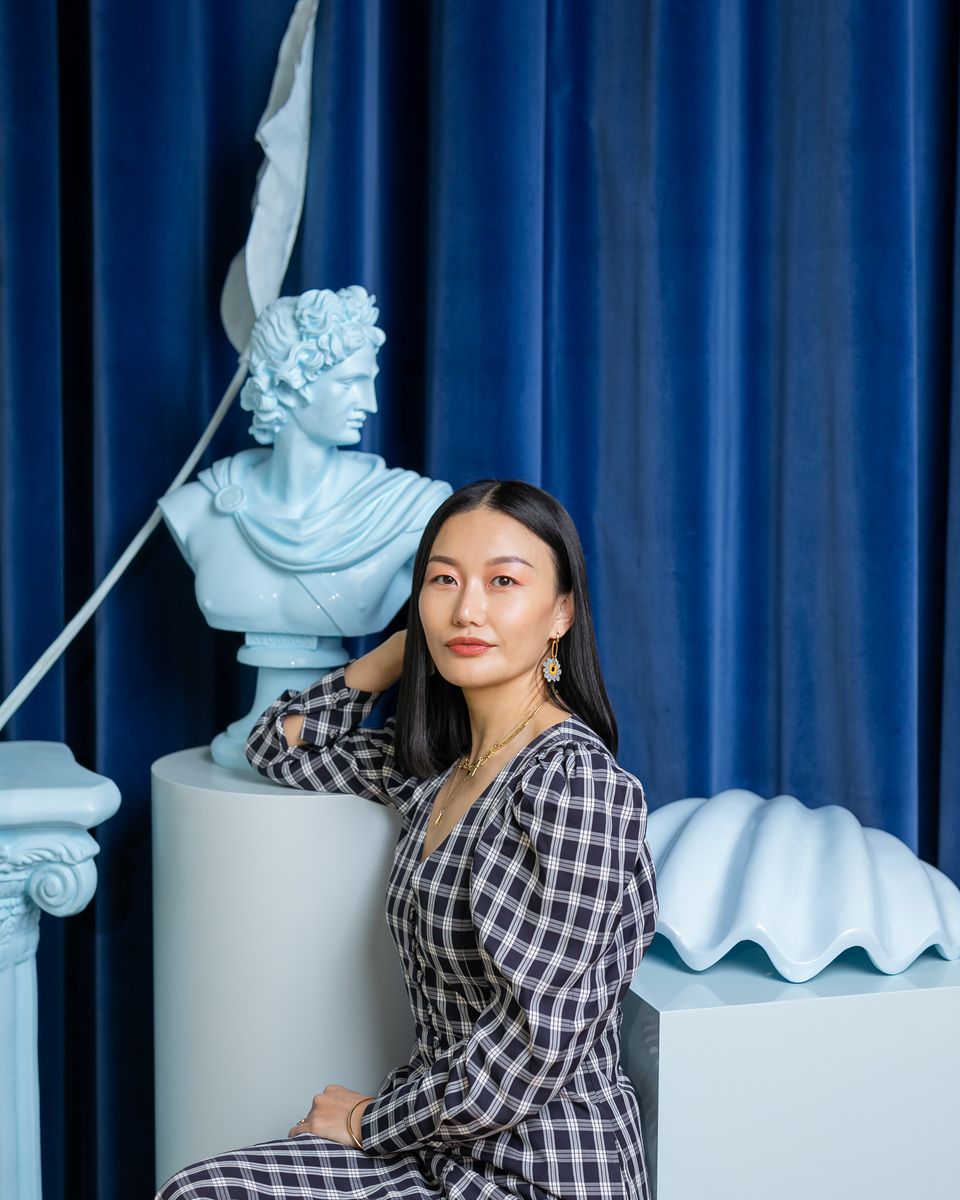


Hi Creatives! 👋
This week’s highlights reflect a more practical phase for AI in creative work. Across image editing, filmmaking, animation, and commercial production, the focus is shifting away from one-off outputs and toward how these tools actually support real workflows.
What stands out is how many of these updates are about connection: keeping ideation, editing, revisions, and production closer together in the same process. For creatives, that can mean faster iteration and less friction across a project. At the same time, it puts more pressure on maintaining quality, consistency, and clear creative judgment as tools take on a bigger role in the workflow.
This Week’s Highlights:
Luma’s agent is less like a chatbot and more like a creative operator
Netflix’s InterPositive deal shows where AI filmmaking is actually heading
Adobe is making AI editing more useful inside Photoshop and Firefly
Runway’s Under Armour case study shows where AI fits in commercial work
Turbulence shows the value of a more connected animation pipeline
AI film is getting easier to make. Rights clearance is not.
Luma’s agent is less like a chatbot and more like a creative operator
Luma’s app is centered on creative agents rather than a single prompt box. On its product page, Luma describes these agents as systems that can plan, generate, iterate, and refine creative work while keeping the full project context intact across the workflow. The main idea is simple: instead of restarting every time you move from text to image to video to editing, the agent carries the project forward in one connected workspace.
What Luma means by “agent”
Not just a chat assistant
Luma’s agent is positioned as a system that does more than respond to prompts. It is built to help carry a project forward.A context-aware creative operator
The agent keeps track of the brief, references, previous outputs, and project direction, so you do not have to restart each step from scratch.Built to work across formats
It can move between text, image, video, and audio while keeping the same creative context connected.Designed for iteration
Instead of producing one output at a time, the agent is meant to help teams explore, refine, and compare multiple directions inside the same workspace.

It can :
Create across formats
The agent works across text, image, video, audio, and voice, making it easier to move between formats without losing context.Carry a project from idea to output
It is built to support the full process, from early concepting to final asset development.Make iteration easier
Editing, refinement, and revisions happen within the same workspace, which can reduce handoff friction.Help keep campaigns consistent
Because the agent holds onto project context, it can support stronger continuity across assets, versions, and deliverables.Support commercial creative use cases
Luma highlights:multi-asset campaigns
product visuals from different angles
social video ads
presentation-ready slide decks
storyboards
localized videos
infographics
podcast clips turned into video
💡 Insight
For creatives, the useful question is not “can this make an image or a video?” Plenty of tools can do that. The more important question is whether the agent can reduce restarts, preserve direction, and keep projects coherent across formats and revisions. That is where tools like this could be genuinely useful. If it works well, the gain is less tool-switching and fewer broken handoffs. The pressure point is whether that continuity still holds once a real project gets messy.
The concept is interesting, but it still feels early. When generation takes longer, the output has to be strong enough to justify the wait, and right now that is not always the case. The process can still take more time while the result does not consistently meet the creative standard.
For now, more controlled workflows, especially node-based ones, may still feel more practical because they give creatives clearer control and more predictable results.
Read the full details here.
Netflix’s InterPositive deal shows where AI filmmaking is actually heading

Netflix’s acquisition of InterPositive, the filmmaking tech company founded by Ben Affleck, is another sign that AI in film is moving past hype and closer to real production use.
What makes this interesting is that InterPositive is not being framed as a “type a prompt, get a movie” company. The focus is more practical: tools that can support filmmakers with things like cleanup, reframing, background adjustments, color work, and VFX-related tasks. For creatives, that is a much more useful signal. It suggests the next wave of AI in entertainment may be less about replacing the process and more about supporting it.
What to watch for
1. AI is becoming part of the production pipeline
This deal points to a more grounded use of AI in film. Instead of chasing full automation, the value seems to be in helping teams move faster on technical tasks that already exist in post and production.
2. Control and consistency matter more than spectacle
Tools tied to a project’s actual footage are often more useful than broad prompt-based generation. For creatives, that could mean better continuity, cleaner revisions, and fewer outputs that need to be rebuilt from scratch.
3. The standard is getting higher
As more companies build AI into production tools, the expectation will shift. It is no longer enough for a tool to generate something interesting. It has to fit into real workflows, protect quality, and support creative intent.
Read the full details here.
Here is what we think about it.

Read it full here.
Adobe is making AI editing more useful inside Photoshop and Firefly

Adobe’s latest update is less about adding another AI feature and more about making editing faster inside the tools creatives already use. The main update is AI Assistant in Photoshop, along with a more capable Firefly Image Editor for editing, cleanup, and image refinement.
What to watch for
AI Assistant in Photoshop
Users can describe edits in plain language and let Photoshop apply them or guide them through the steps.More precise editing
With AI Markup, users can point to a specific area of an image and direct the edit more clearly.Firefly is becoming more of an editing workspace
It now brings together tools like:Generative Fill
Generative Remove
Generative Expand
Generative Upscale
Remove Background
Model choice is part of the strategy
Adobe is also giving users access to multiple AI models inside Firefly, not just its own.
Why it matters for creatives
Faster revisions
Less switching between tools
Easier cleanup and refinement
More control during early-stage visual development
💡 Insight
The real value here is not just AI generation. It is the effort to make editing, fixing, and refining feel like one smoother process. For creatives, that can help speed up production work, especially when the challenge is getting an image from rough to usable. The bigger question is still the same: whether the tool helps you make better decisions, not just faster ones.
Read the full details here.
Runway’s Under Armour case study shows where AI fits in commercial work

Runway’s Under Armour case study is a good example of AI being used in a practical way inside advertising. The project was not about replacing the shoot. It was about helping a small team move faster in pitching, post-production, and revisions.
What to watch for
AI helped before and after production
The team used Runway to visualize ideas during the pitch stage, then used it again in post to build out the final fire effects.This was still a real production
The campaign included a live shoot, a full crew, and athletes on set. AI supported the workflow rather than replacing it.Speed was the real advantage
One of the strongest takeaways was how quickly the team could handle client feedback and turn around revisions.
💡 Insight
What makes this case interesting is not just the use of AI effects. It is the way AI helped a smaller production company work more like a bigger one. For creatives, that is the more useful signal. The value is not only in generating visuals. It is in making production and client rounds move faster without adding the same level of overhead.
Read full details here.
Turbulence shows the value of a more connected animation pipeline
Turbulence is an animated short created by Tumblehead Animation Studio and Christopher Rutledge in collaboration with SideFX. What makes it worth noting is not just the film itself, but the fact that the team used Houdini across the production pipeline rather than treating it as a tool for only one stage.
What to watch for
This was built as an end-to-end Houdini project
SideFX says the film used Houdini for all aspects of production, and the surrounding talks point to tools like KineFX, APEX, Vellum, crowds, and Copernicus as part of the workflow.The real advantage was pipeline structure
The team says they moved from Maya and Redshift because they wanted a better way to organize shots, assets, and pipeline flow, and found Houdini’s node-based approach and Python API a better fit.Animation inside Houdini is becoming more practical
One of the animators said the workflow felt natural after the adjustment period, and highlighted features like selection sets and inbetweening tools as useful for day-to-day animation work.Style still mattered as much as software
Outside coverage describes the short as having a fluid, caricatured, clay-like look, which is a good reminder that the technical setup was supporting a very specific visual direction.
Insight 💡
The useful takeaway here is not that every team should switch tools. It is that creative workflows get stronger when animation, FX, lookdev, and comp stay more connected. That usually means fewer handoffs, less context loss, and better continuity from first pass to final frame.
Read full details here.
AI film is getting easier to make. Rights clearance is not.

As AI film tools get better at generating voices, songs, dialogue, and synthetic performances, the harder part is often no longer the output. It is whether the work is cleared, attributable, and safe to publish or distribute. The U.S. Copyright Office now separates these issues into different tracks, including digital replicas and copyrightability, which is a useful reminder that voice, likeness, and authorship are not the same thing.
What to watch for
Voice rights and copyright are different
A cloned or AI-simulated voice can raise digital replica and consent issues, even if the final file is newly generated.Music still needs permission
Using copyrighted music, vocals, or artist-style imitation without authorization remains a major risk area for AI-assisted film and content.Human contribution still matters
If the final work is heavily AI-generated, the human creative role in writing, editing, arranging, or directing becomes more important when thinking about ownership and protection.Disclosure is becoming part of publishing
YouTube requires creators to disclose realistic, meaningfully altered or synthetic content, including examples like synthetically generated music or cloning someone else’s voice. Repeated failure to disclose can lead to labels, content removal, or suspension from the YouTube Partner Program.Provenance tools matter more now
As synthetic media becomes easier to make, tools and standards that show how content was created are becoming more relevant for client work and distribution.
💡 Insight
The shift is simple: compliance is becoming part of the workflow. Strong visuals are not enough on their own. The teams that will have an easier time publishing, licensing, or selling AI-assisted work are the ones that can explain what was generated, what was licensed, who consented, and where the human creative input sits.
Read full details here.
AI Craft with Strong Visual Direction
We’ve been enjoying the work of Alexandre (Arlo) Garnier, whose latest piece caught our attention for its strong visual atmosphere and polished execution. It’s the kind of work that reminds you how much craft still matters: lighting, pacing, and mood all doing the heavy lifting. Worth a look if you’re into AI work that feels thoughtful, cinematic, and well-directed.
Check the work here.
A Reality Show Built for the AI Era
This concept from OpenArt Studios reimagines the reality TV format using AI influencers as the contestants. In Bot House, six AI personalities enter a shared space filled with challenges and social drama, with one clear rule: stay relevant or get eliminated. It’s an interesting example of how generative tools are starting to shape not just visuals, but entire entertainment formats.
See OpenArt’s original post here.

💡 Insight
Looking across this week’s updates, the pattern is fairly clear: the most useful AI tools are becoming the ones that fit into the creative process more naturally, not the ones that simply produce something fast.
That matters because speed on its own is not the goal. What still shapes strong work is direction, taste, and the ability to make thoughtful decisions from draft to final. As AI becomes more embedded in production, the creative edge still comes from the people guiding the work, refining it, and knowing where the tool helps and where it should stop.
That’s it for this week, folks.
🔔 Stay in the Loop!
Did you know that you can now read all our newsletters about The AI Stuff Creators and Artist Should Know that you might have missed.
Don't forget to follow us on Instagram 📸: @clairexue and @moodelier. Stay connected with us for all the latest and greatest! 🎨👩🎨
Stay in the creative mood and harness the power of AI,
Moodelier and Claire 🌈✨
